Choose your device
Follow the steps for your device.
Add LBC to your home screen so it opens like a normal app.
- 1
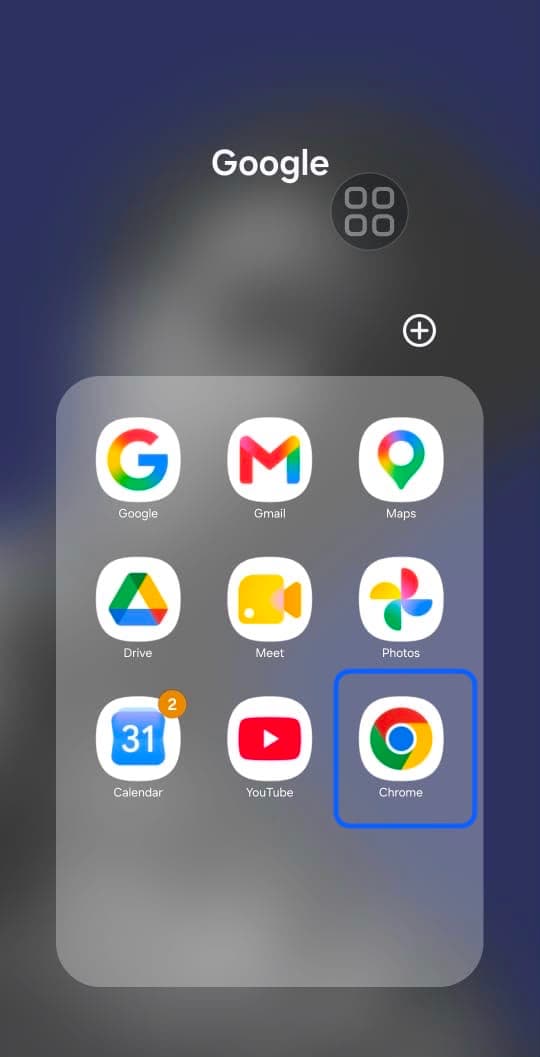
Open the Chrome browser on your Android device.
- 2
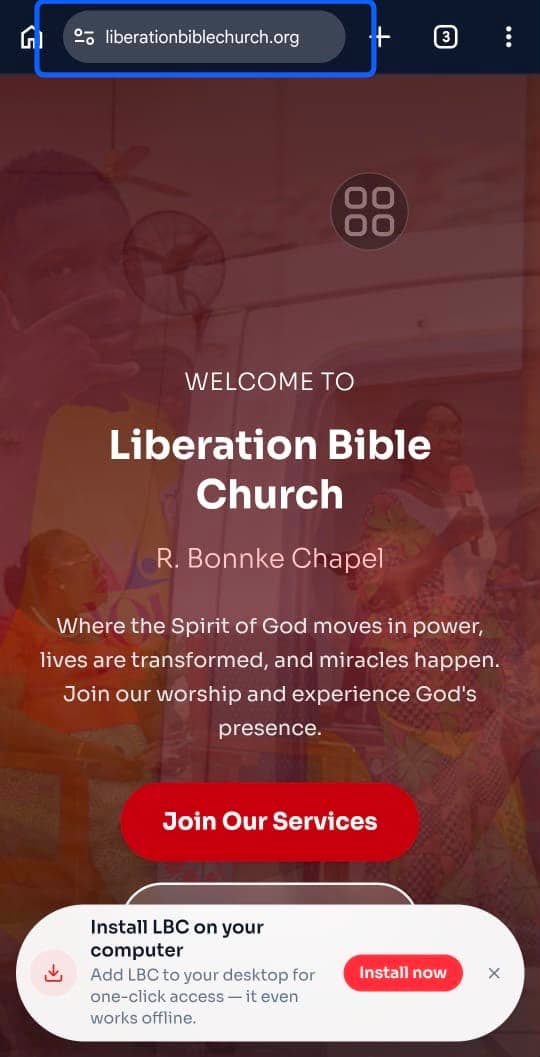
Visit "liberationbiblechurch.org" in Chrome.
- 3
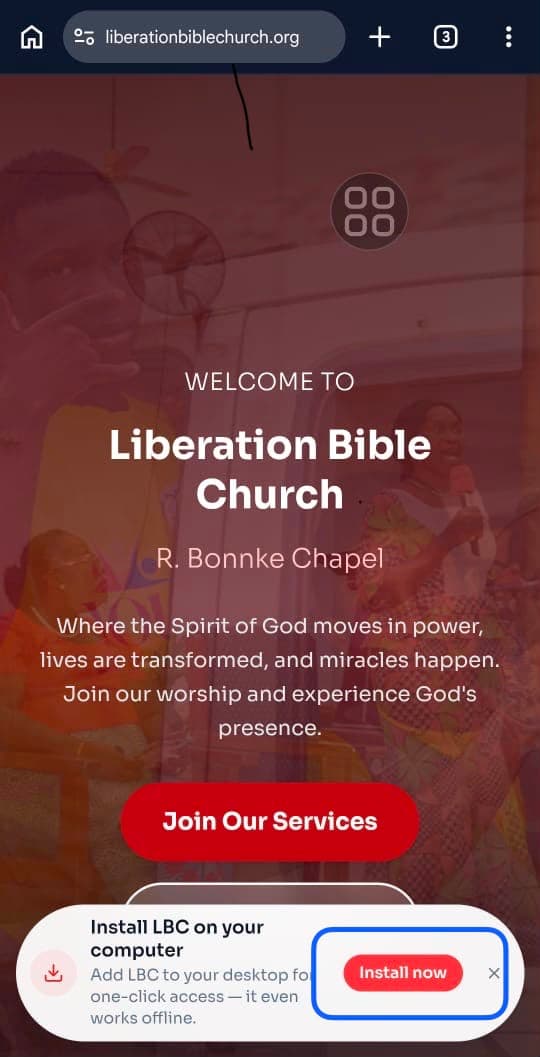
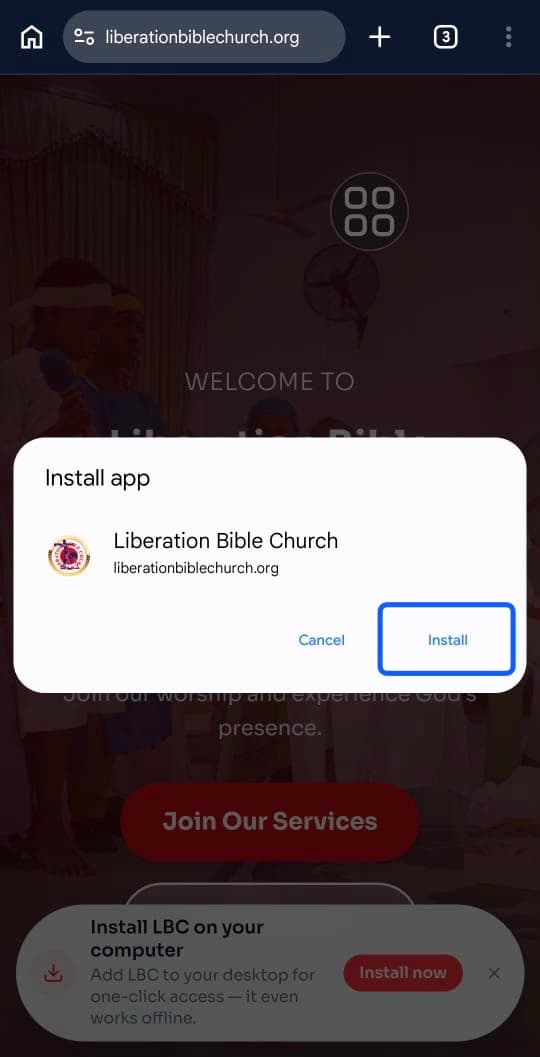
Tap the Install button on the Install Card at the bottom of the page.
- 4
Tap Install on the install dialog that pops up.
- 5
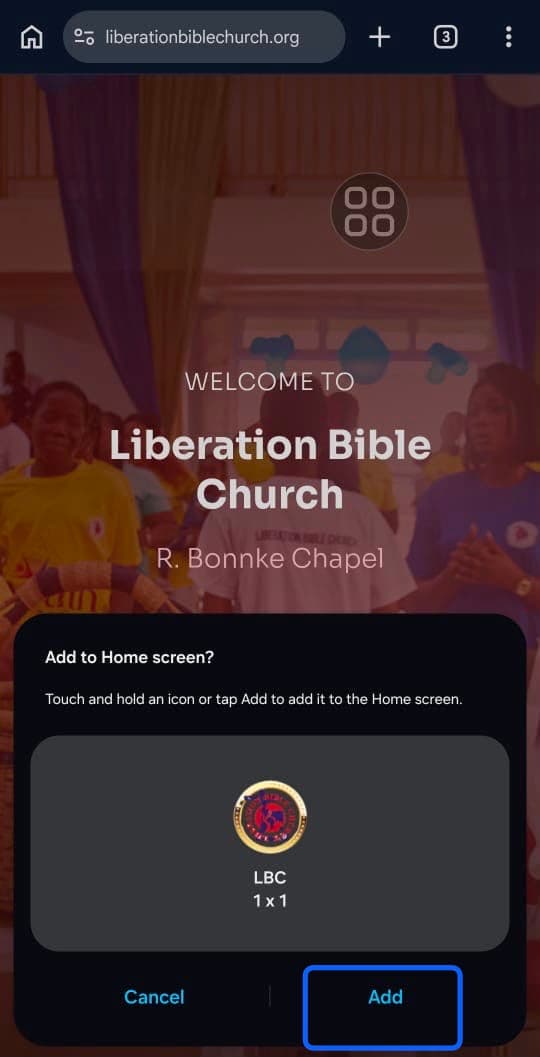
Tap Add on the bottom sheet that appears.
- 6
Open LBC from your home screen — you're done!